Linux Fundamentals for DevOps Beginners
What is Linux?

Linux is an open-source operating system, just like Windows and masOS.
An OS allows us to interact with the computer, run applications, manage files, use hardware etc.,
Linux was created by Linus Torvalds in 1991 and is now maintained by a global community of developers.
Why is Linux So Popular?
Below, are few reasons why it became popular:
Free to use —————- [No license cost]
Open source ————— [Anyone can see and modify the code]
Secure ———————— [Less prone to viruses]
Fast & lightweight.
Widely used in servers, cloud and DevOps.
In our daily life, it runs:
Most servers
Cloud platforms like AWS, Azure, GCP
Android phones
DevOps & Kubernetes environments.
Linux vs Windows:
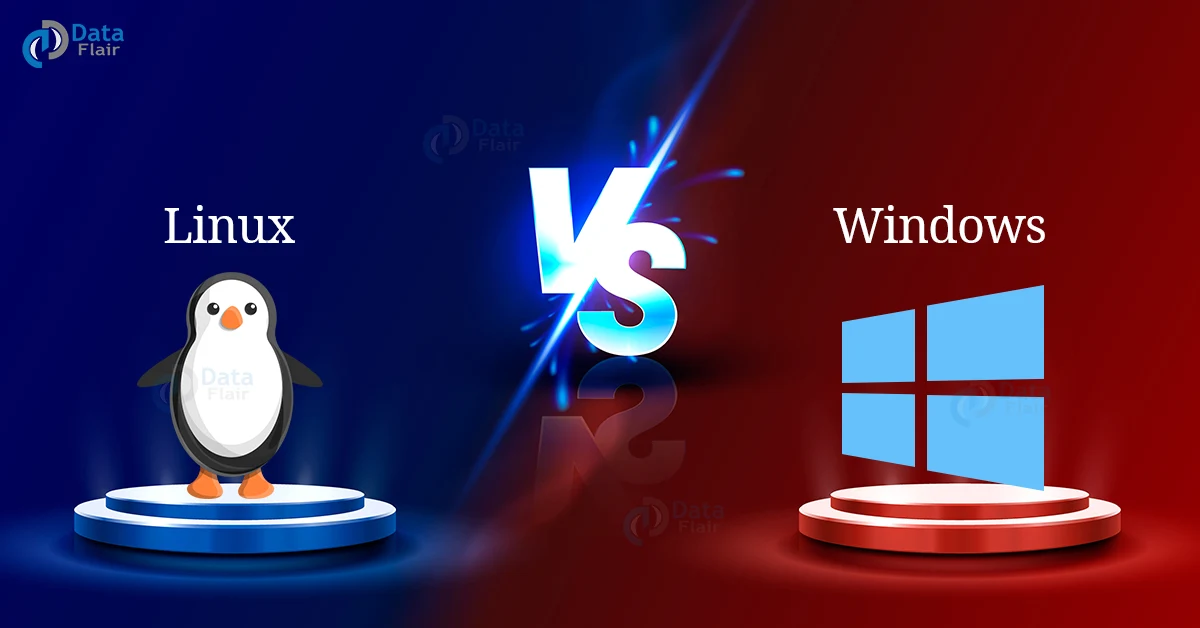
| Feature | Linux | Windows |
| Cost | Free | Paid |
| Source Code | Open source | Closed source |
| Security | Very strong | More virus-prone |
| Customization | Highly customizable | Limited |
| Usage | Servers, Cloud, DevOps | Personal computers |
| Updates | User-controlled | Automatic |
Explanation:
Linux is mainly desgined for stability, security and performance. It gives users full control over the system, allowing deep customization based on requirements. Because Linux can run for long periods without restarting, it is widely used in servers and cloud environmants.
It follows a strong permission model, which helps protect the system from accidental changes and security threats. It is also open source, so issues are quickly fixed by the global community.
Most modern technologies such as cloud platforms, containers and DevOps tools are built on Linux. This is why Linux is preferred by companies and IT professionals.
Windows is designed to be easy to use and user-friendly. It focuses more on graphical interfaces, making it suitable for personal computers and office work.
It is widely used for daily tasks like browsing, document editing and s/w applications. It provides good hardware and software compatibility, especially for commercial tools and games.
System updates and controls are mostly managed automatically to reduce user effot. Because of this simplicity, Windows is popular among non-technical users.
Linux Architecture:
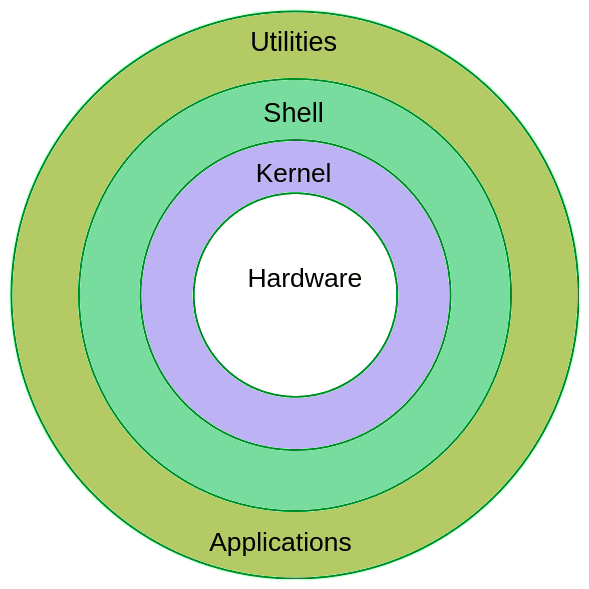
Hardware: Physical parts like CPU, RAM, disk and input/output devices.
Kernel: The core of the OS; controls hardware like CPU, memory and devices.
Shell: Interface to run commands and talk to kernel (like bash).
Utilities: Command-line tools to manage files, monitor the system, control users and handle networking.
File System: Organizes data into files and directories (everything is treated as a file).
Applications: Software like browsers, text editors and tools that run on top of Linux.
How Linux works internally?
Linux works in layers. Each layer has its own responsibility.
Main components of linux:
Hardware: This includes CPU, RAM, hard disk and other physical components.
Kernel: The kernel connects software and hardware. It manages memory, CPU, devices and processes.
Shell: The shell is the interface where users type commands.
Applications: These are commands and programs like
ls, cd, vimand browsers.
User -----> Shell -----> Kernel -------> Hardware
Example:
When user type ls:
ls
The shell understands the command, the kernel accesses the disk and the files are displayed to the user.
Linux Distributions:
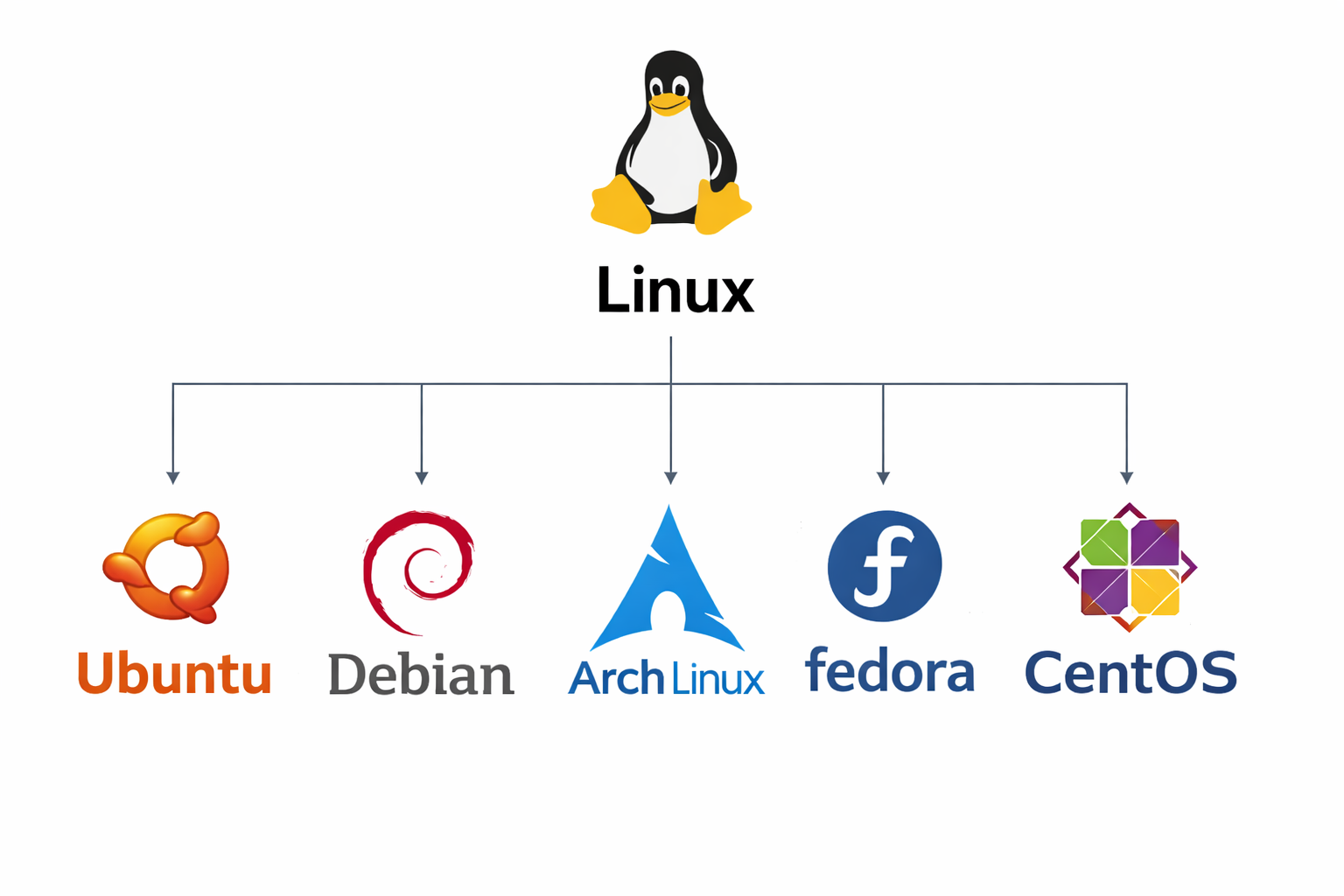
A Linux distribution (also known as Linux Distros) is a complete operating system built using:
Linux kernel
System tools
Package manager
Desktop environment (It is optional)
Different linux distributions are created for different purposes such as learning, servers or for enterprise use.
Below are few distributions:
Ubuntu: Ubuntu is beginner-friendly and also its easy to use. It has strong community support and is widely used for learning and for cloud servers as well. We can say that its a best choice for beginners.
CentOs: CentOs is stable and reliable. It is mostly used in server and enterprise environments. It is popular in data centers.
Debian: Debian is one of the oldest and most stable linux distribution. It mainly focuses on reliability and free software. It is commonly used in servers and long-term systems.
Arch Linux: Arch Linux is a lightweight and highly customizable distribution. It provides the latest software through rolling release model. It is best for advanced users who want full control.
Fedora: Fedora is a modern and cutting-edge Linux distribution. It introduces new technologies early. It is mainly preferred by developers and testers,
RHEL (Red Hat Enterprise Linux): RHEL is a paid enterprise Linux distribution. It provides professional support and is used by large organizations. It is also used in production environments.
In conclusion, we can say that Linux is best for servers, cloud and for IT professionals and Windows is best for personal use and office use.